Who Should Consider a Candle Countdown Timer
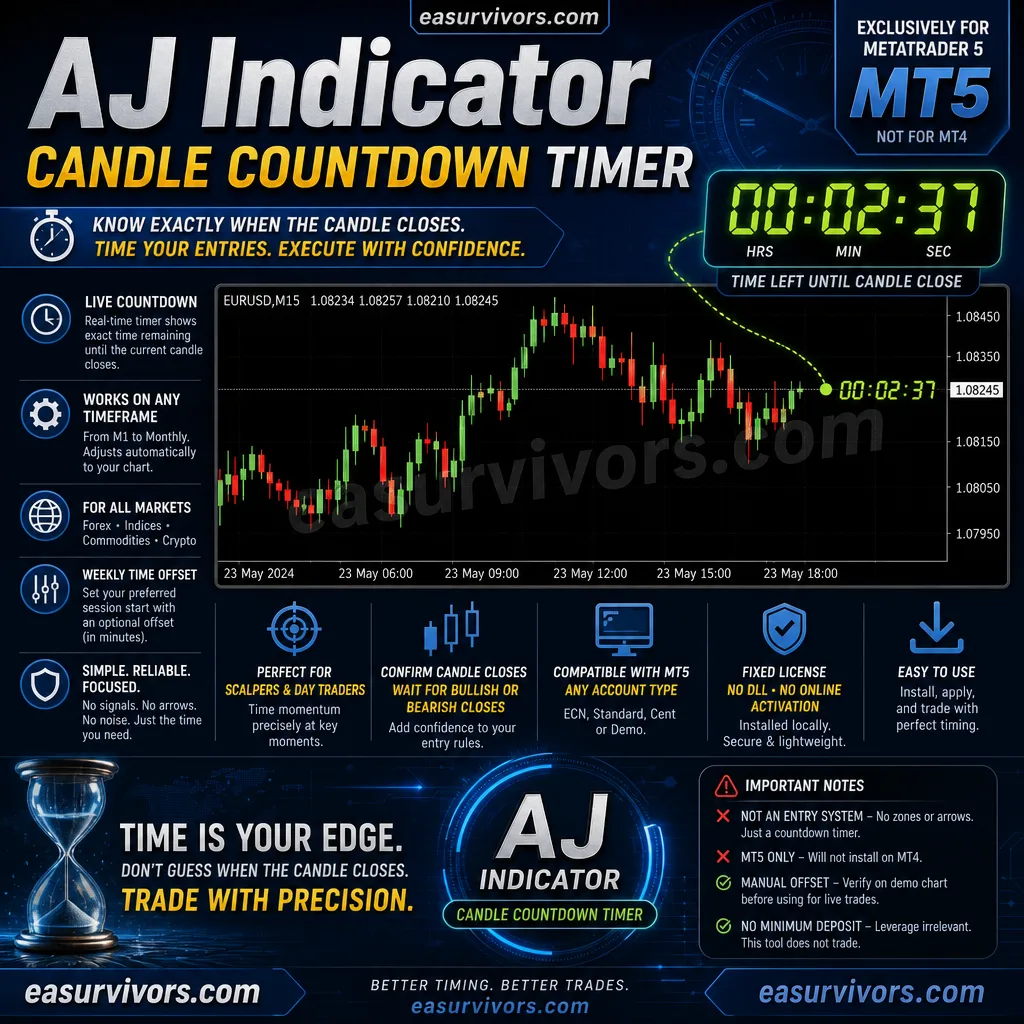
A live countdown to the next candle close is most useful for two groups of traders. The first includes scalpers and short-term day traders who build decisions around momentum at specific times, such as the first minutes of a session or the final seconds before a bar prints. The second group covers anyone using candle confirmation rules — waiting for a bullish or bearish close before acting. This indicator suits traders who already have a method for entries and exits but find themselves glancing at the clock too often. It is less relevant for position traders or investors who hold trades across many days and do not care about intra-bar timing.
How the Countdown Works on a Chart
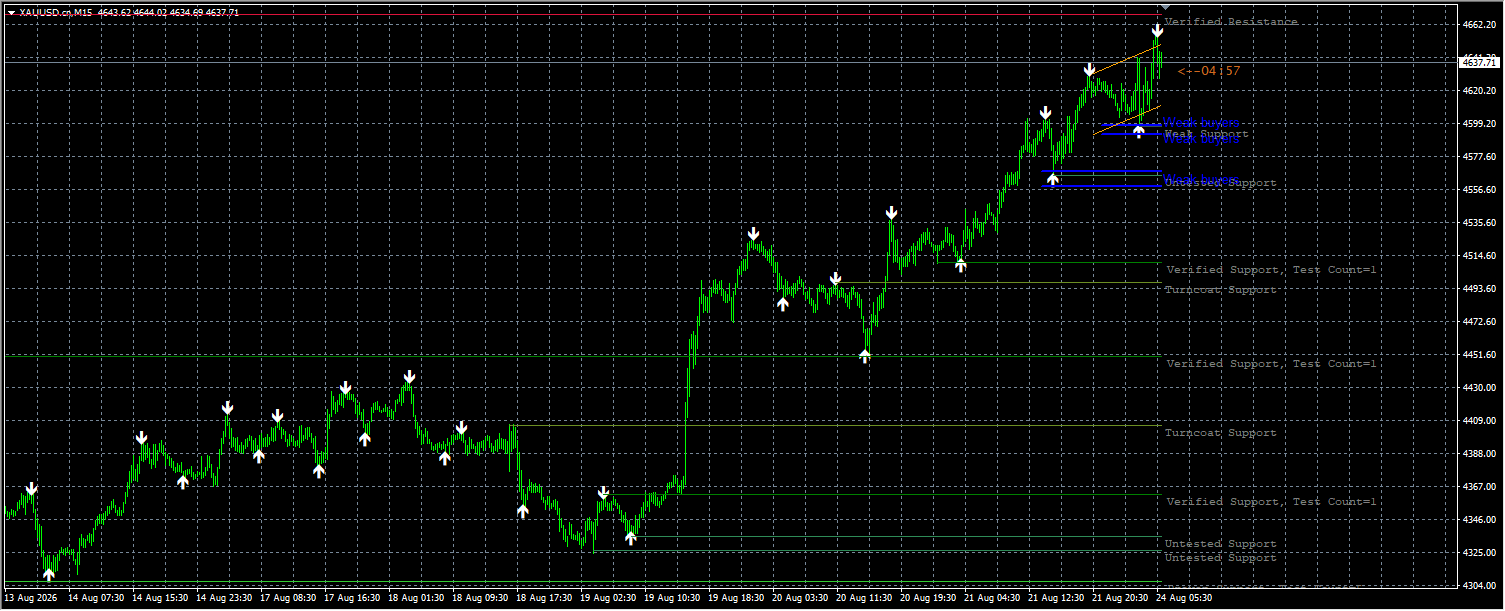
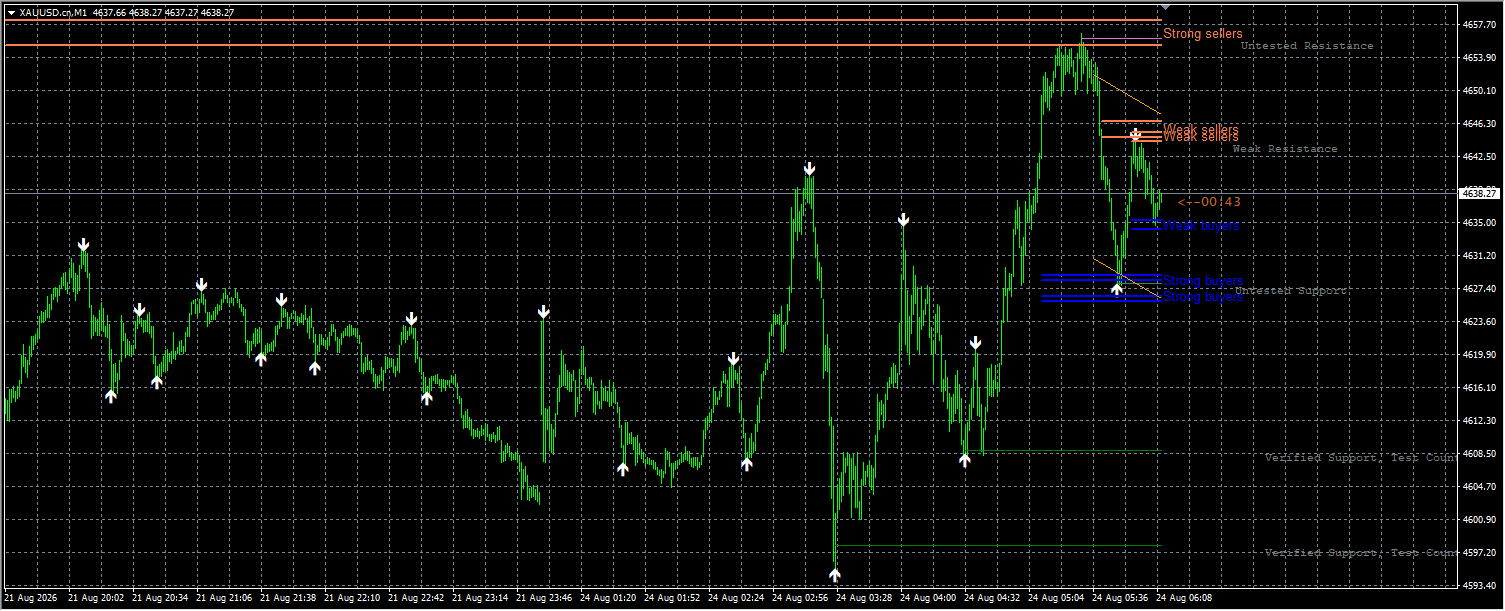
The AJ Indicator places a numeric countdown next to the current price, showing the time remaining until the open candle closes. The display updates in real time and automatically compensates for differences between the broker server time and the local computer time. Traders can set an optional weekly offset in minutes if their preferred session start does not align with the platform default. No trading signals are generated, and no entries or exits are suggested. The tool only tells you how much time is left in the current bar.
Timeframe and Instrument Flexibility
Any timeframe from M1 to monthly is supported, and the indicator can be attached to forex pairs, indices, commodities, and cryptocurrencies. The countdown adjusts to whatever chart is open. This makes it a companion tool rather than a standalone strategy. A trader could combine the AJ Indicator with support and resistance zones, candlestick patterns, or volume analysis to tighten the timing of an existing plan.
Account Requirements and Platform Compatibility
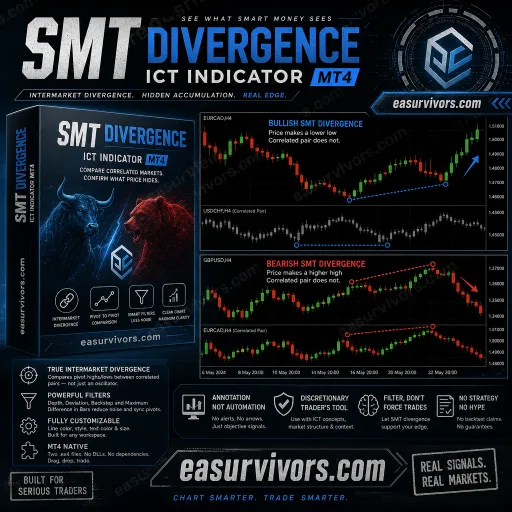
The indicator runs on MetaTrader 5 only, despite the product name including MT4 in some listings. There is no minimum deposit requirement because the tool does not trade or manage money. Any account type works — ECN, standard, cent, or demo — as long as it is hosted on an MT5 terminal. Leverage is irrelevant to this product since it does not affect order execution and is not used by the indicator. A fixed licence without DLL calls means the files are installed locally and do not rely on external libraries or online activation. No source code is provided, so traders cannot modify the indicator logic. The download package includes multiple timer files plus separate zone and arrow indicators that may or may not be needed; only the countdown files are required for the core function.
Points to Check Before Adding It to a Chart
The product name can mislead. It is labelled as an MT4 indicator in some vendor materials, but the platform fact is MetaTrader 5 only. If you trade on MT4, this will not install. Also note that the indicator alone does not identify supply or demand zones or produce arrows, despite the vendor copy showing sample setups with red and blue zones. Those visuals come from other tools in the package or separate indicators. The AJ Indicator itself is just a countdown. If you expect a full entry system with zone marking and confirmation arrows, you will need to bring those components from elsewhere. The weekly time offset is a manual setting — the indicator does not automatically detect your local session or broker offset beyond the server clock. Check the displayed countdown against a known candle close on a demo chart before relying on it for live entries.