Product scope and intended markets
This Expert Advisor runs on MetaTrader 5 and targets a deliberately broad list of instruments: US30, DJ30 and SP500 indices, BTC, XAUUSD, and six major forex pairs — EURUSD, GBPUSD, GBPJPY, CADJPY and EURJPY. The H1 timeframe is specified for all of them. The vendor suggests any trading session can be used.
The installation package contains the compiled EA file, which requires a DLL licence, plus a set of predefined configuration files. Those set files cover BTCUSD, SP500, EURUSD, GBPUSD, XAUUSD, and separate aggressive variants for EURUSD, gold and GBPUSD.
How the EA builds trading decisions
The logic combines three layers. Moving averages provide directional bias, Keltner channels and candlestick patterns flag breakout conditions, and Bollinger Bands are used as a volatility filter to confirm price extremes. Taken together, the EA looks for aligned trend and expansion signals before entry.
Position scaling is part of the design: during a pullback against an open position, the EA can add volume at controlled distances. This means exposure may grow in stages rather than from a single entry, an important mechanic for anyone evaluating drawdown behaviour.
Exits and profit protection
A trailing stop mechanism is used to lock in gains as price moves in the intended direction. The stop adjusts automatically rather than remaining static. The marketing material also refers to daily profit targets and daily loss limits, both of which are configured to cap daily exposure.
Risk controls available to the user
- Configurable lot sizing
- Scaling logic with controlled add-on distances
- Exposure limits per day
- Daily profit target
- Daily loss limit
- Dynamic trailing stop
These controls are adjustable through the EA inputs, so their actual effect depends on the settings a trader applies. No default stop-loss distance is published, and the aggressive set files are likely to carry higher per-trade risk than the standard ones.
Setup requirements and files
The minimum deposit stated by the vendor is $200. The EA is not a one-size-fits-all build: different set files are provided for different instruments, and traders are expected to load the file matching the chart they intend to trade. The EA itself is compiled (.ex5) and protected by a DLL licence; source code is not included.
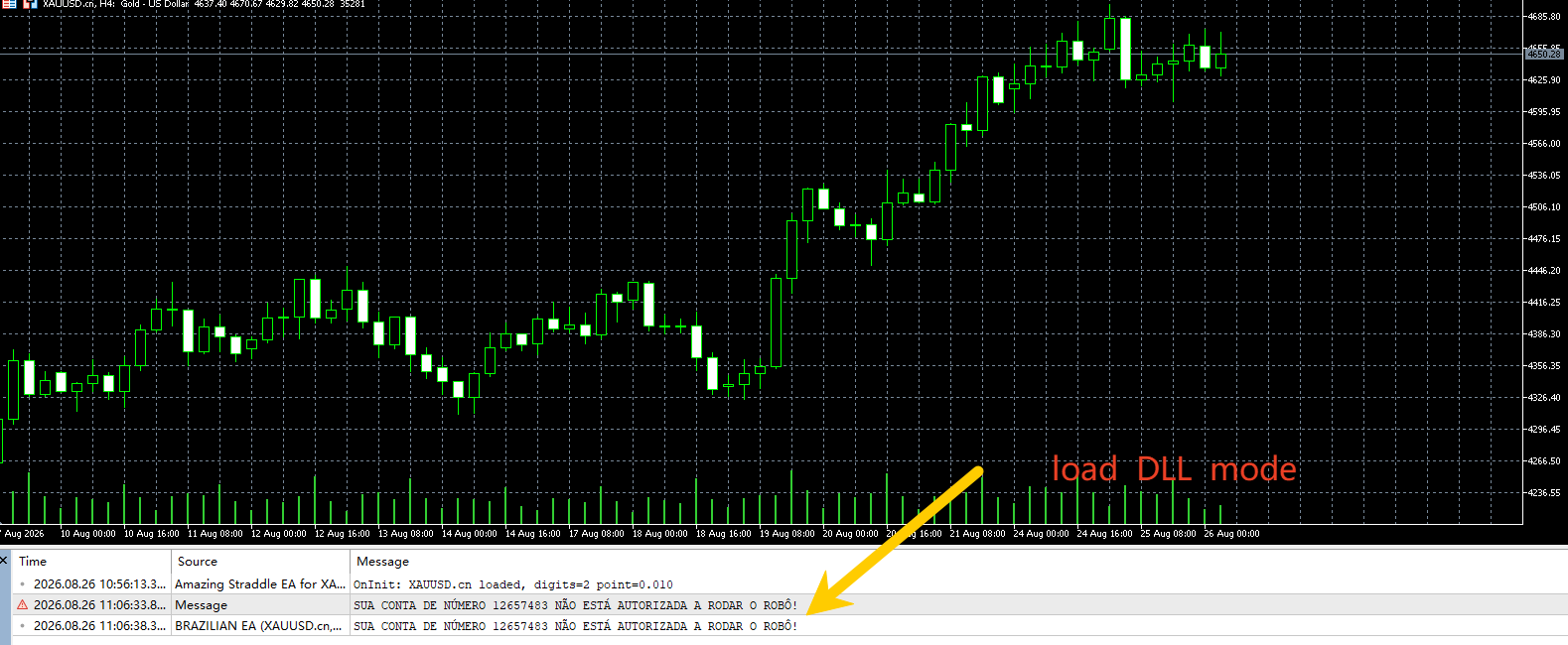
Before running the EA live, the DLL permissions must be enabled in the MetaTrader 5 terminal options, otherwise the file cannot operate. Each chart should be set to H1 and the corresponding set file loaded through the EA input panel.
Things to verify before going live
The vendor references Myfxbook verification for real account results, but no performance figures are reproduced here. A sensible first step is to run the EA on a demo account with the exact set file intended for each symbol, and to observe how the scaling logic behaves during ranging conditions on that instrument.
Aggressive set files exist for EURUSD, gold and GBPUSD. These are likely to use larger position increments or closer scaling distances. Treat them as a separate configuration with its own risk profile, not a simple label change.