Setting up Goldwave EA on a live chart
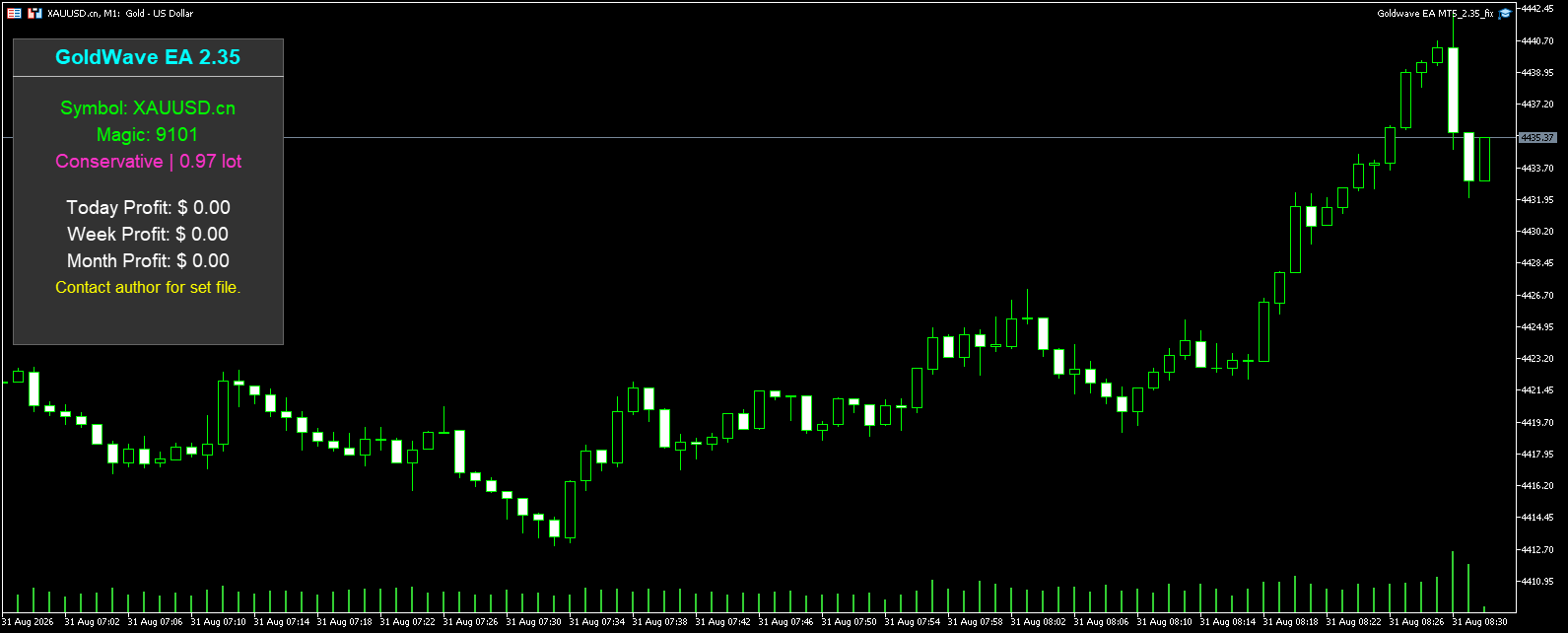
Installation follows the standard MetaTrader 5 process: copy the .ex5 file into the MQL5/Experts folder, restart the terminal, then attach it to an XAUUSD chart. The EA supports M1, M5, M15, M30 and H1 timeframes, so the same set file can be applied to any of those chart periods. No source code is included with this original version.
Because the order logic references spread and volatility, an ECN or RAW spread account type is recommended. The broker conditions that were used in backtesting and the live signal should be treated as representative rather than universal. A leverage of 1:30 or higher is typical for the stated $1,000 minimum deposit, but lower leverage can work if the margin call level allows.
Visual panel and first-run checks
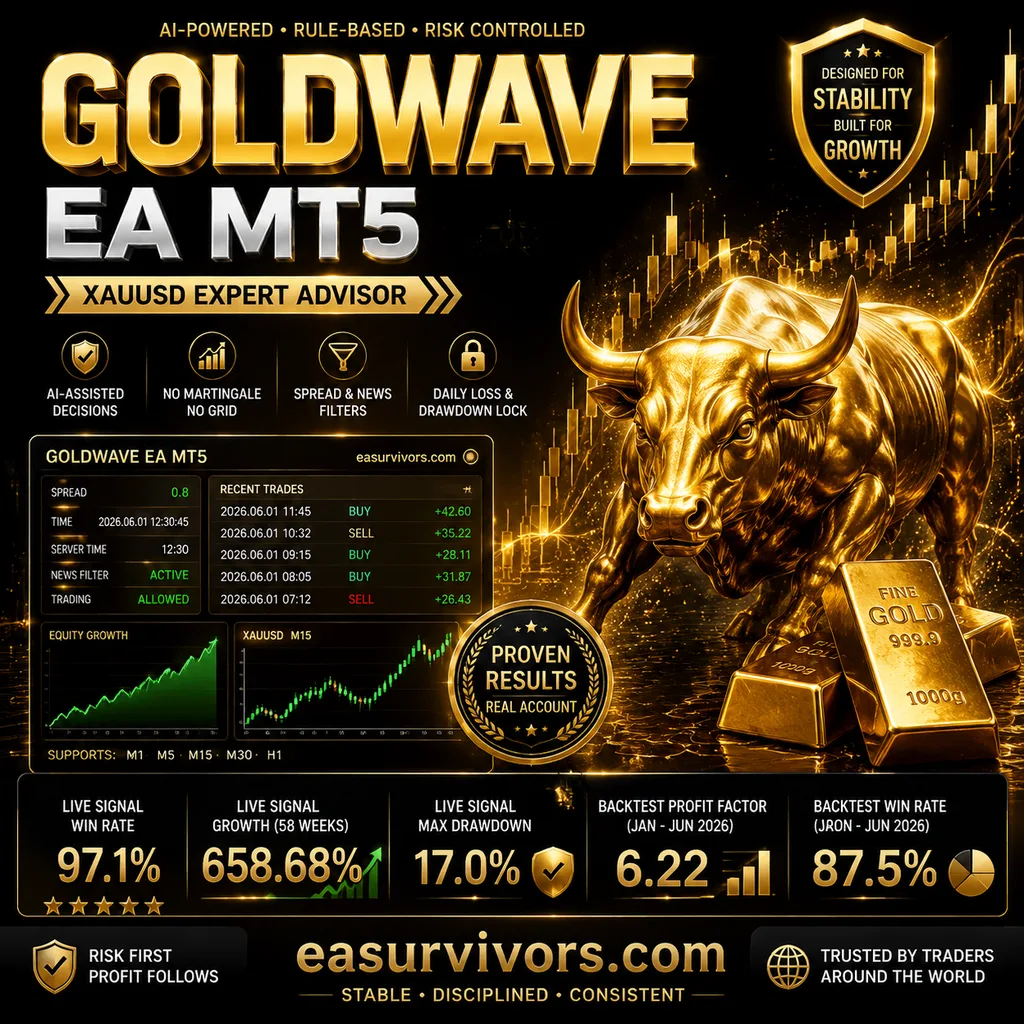
A chart panel shows the current spread, recent trade activity and active filters. This is useful for confirming that the news filter has paused trading ahead of a scheduled economic release. Traders who run the EA on a VPS should verify that the correct time zone is set, because the news filter depends on server time.
How entries and exits are decided
Goldwave EA does not use a fixed indicator combination for entry. Instead, an adaptive decision layer evaluates market structure, recent volatility and risk conditions before allowing a position. The vendor describes this as AI-assisted logic, though the technical details are not published. What matters operationally is that entries are selective: the backtest shown by the developer produced only 56 trades over a six-month period.
Each position is opened with a predefined Stop Loss and Take Profit. A trade management routine may close positions before either level is hit, based on changing conditions. There is no grid averaging and no martingale lot progression, so each trade carries the same fixed fractional risk as every other trade.
Protection layers that sit around the strategy
Spread filtering is applied at order submission. If the broker spread widens beyond the threshold set in the EA inputs, new entries are skipped until the spread returns to normal. This is most relevant during rollover or immediately after high-impact news.
A news filter suspends trading for a user-defined window before and after major economic events. The filter does not remove existing positions; it only blocks new entries. For prop firm accounts, separate daily loss and maximum drawdown controls can be activated. According to the vendor, the EA will lock itself after hitting a daily loss ceiling rather than continue trading.
The developer reports a live signal with a 97.1% winning trade ratio, 658.68% growth over 58 weeks and a maximum drawdown of 17.0%. These figures come from the vendor's published signal page and represent one account history. The backtest covering January to June 2026 on XAUUSD M1 shows a profit factor of 6.22, an 87.5% win rate, and a 30.97% equity drawdown relative to a 6.40% balance drawdown, starting from $1,000.
Choosing a risk profile and lot sizing
Money management is based on a percentage-of-equity or fixed-lot input. The conservative default is described by the developer as suitable for a $1,000 balance on an ECN account. Traders who want lower daily variance can reduce the risk per trade; those targeting prop firm challenges can instead use the drawdown controls as a hard stop.
Because the EA is selective, there may be days or even weeks without a trade. This is by design and should be considered before testing on a short trial. The equity drawdown in the supplied backtest is noticeably larger than the balance drawdown, which implies that floating losses on open positions are held rather than averaged down. A user who expects frequent activity would be misreading the product.
Where Goldwave EA tends to struggle
Low trading activity is the first point of friction. The backtest and live signal both show a small number of trades relative to the time elapsed. A trader who wants daily feedback on a new installation may not see any trades during the first week, especially if news events are frequent.
The spread filter can also block entries on raw spread accounts when gold becomes volatile outside of news windows. During periods of thin liquidity, a broker that normally offers low spreads may widen enough to trigger the filter for a full session. This is not a malfunction, but it does mean the EA can stay flat through a move that a discretionary trader might have taken.
Finally, the equity drawdown in the historical test suggests that open positions can remain underwater for an extended period before the trade management routine closes them. A user who monitors equity rather than balance should expect occasional visible drawdown, even if the final closed trade is profitable.