Core approach and execution logic
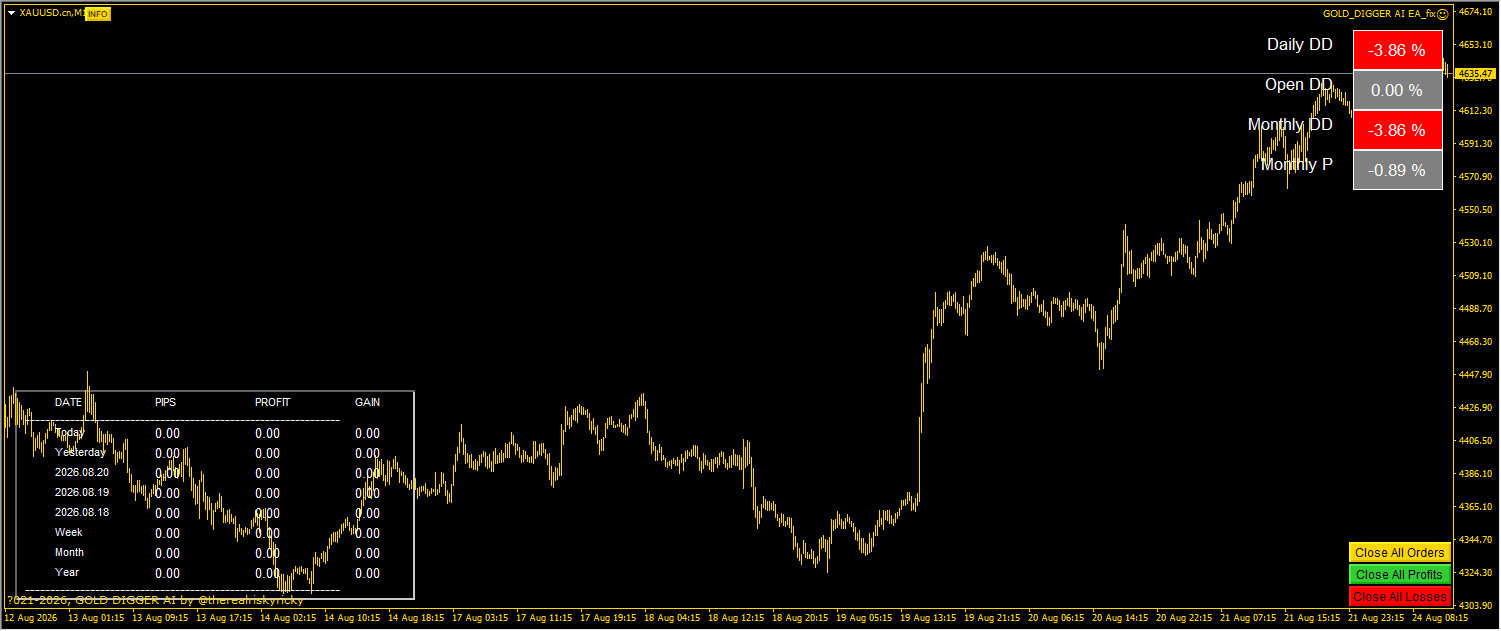
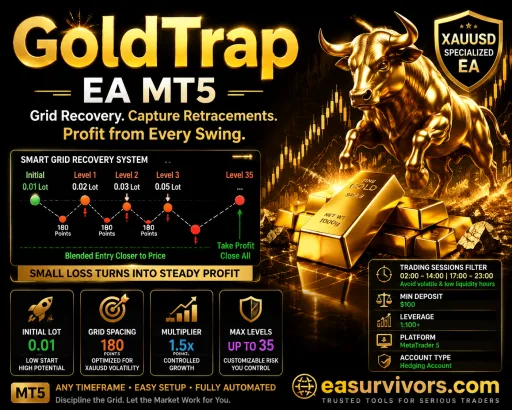
This Expert Advisor is built around a grid execution model, meaning it places multiple positions at set intervals as price moves against the initial entry. The vendor describes this as a controlled Martingale grid applied bidirectionally, with a moderate multiplier used when the grid expands. That description matters because it defines the risk profile: losses can accumulate quickly if the market trends strongly in one direction without sufficient retrace.
The EA combines that grid with two filters. An exponential moving average (EMA) is used to confirm trend direction, while the HILO indicator provides momentum detection before new grid legs are opened. The combination does not eliminate grid risk, but it is intended to reduce the number of grid sequences that start against the prevailing trend. The EA can be run on the M1, M5, M15, M30, H1, and H4 timeframes, and the vendor lists forex pairs, cryptocurrencies, and indices as supported instruments. That broad compatibility means the burden of choosing a suitable market and timeframe falls on the user.
Risk controls and exit mechanisms
The developer has specified several exit triggers inside the EA. A trailing stop activates at two hundred points, break-even is triggered after one hundred fifty pips, and a fixed take profit is available at one hundred pips. The grid can also close on a full cycle completion. These are not guarantees of protection; they are thresholds that change how and when a basket of trades is closed. The fixed take profit level, in particular, can lead a trader to believe risk is capped when in practice a large adverse move may still leave the basket in drawdown before the cycle completes.
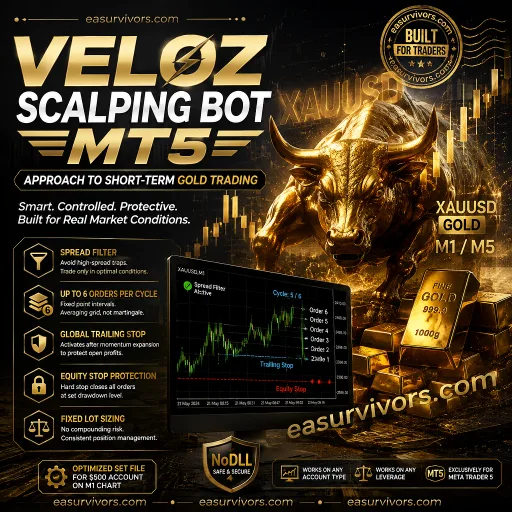
A hard stop loss and an equity stop are also included. The equity stop is an important addition for grid systems because it allows the trader to define a maximum acceptable loss for the account as a whole, rather than relying on individual trade stops that may be widened by the grid logic. The EA also includes a spread filter, which can prevent new grid entries when spread widens beyond a user-defined limit during news or rollover periods.
The developer reports that a news filter is integrated and can be set to avoid high-impact events, including NFP releases. That feature is not a substitute for manually checking an economic calendar, but it can reduce the chance of a new grid opening seconds before a major announcement. Users should verify that the news filter is active for the broker's server time and the specific symbol being traded.
Setting up the EA and parameter considerations
The product ships as a single executable file with no DLL calls, which simplifies installation and reduces the chance of operating system compatibility issues. The package also includes several custom indicators: a session indicator, a spread monitor, a deviation meter, a calendar tool, and the HILO activator. These indicators are used by the EA for filtering and do not need to be configured separately unless the user wants to adjust their thresholds.
The preset files are extensive. The vendor includes configurations for FTMO, MFF, and generic prop firm accounts ranging from $10k to $200k, as well as live account sets from $1k to $50k. Separate sets exist for XAUUSD, BTC, ETH, US30, SP500, and several currency pairs. This is one of the most overlooked aspects of a grid EA: a preset that works on a $100k prop account may be inappropriate for a $1k live account because the grid spacing and multiplier are not linearly scalable. A trader should start with a set file that matches the intended account size and instrument, then adjust only one or two variables at a time.
The minimum deposit is listed as $100, which is workable for a cent account or a very low-risk set file, but it leaves little room for grid expansion. With a multiplier in play, a $100 account can be consumed by a single extended trend. Traders running this EA on a live account should consider a deposit well above the minimum, or use a prop firm set that includes an equity stop compatible with the firm's maximum drawdown rule.
What a trader should verify before going live
This EA does not include source code. That means users cannot inspect the grid logic, modify the multiplier formula, or change how the trailing stop is calculated. Any failure or unexpected behaviour must be reported to the vendor, and there is no way to independently audit the code. For traders who prefer to review the exact logic of a grid system before risking capital, that is a significant limitation.
The product is marketed as an AI trading system, but no model architecture, training data, or inference process is documented. The observable mechanics are the EMA, HILO, grid spacing, and risk thresholds. Experienced traders should evaluate the EA on that basis, not on the artificial intelligence label. Backtesting on multiple symbols and timeframes with realistic spread and slippage is essential. The included set files are a starting point, not a proof of profitability.
Finally, the licence is a NoDLL build, which means the EA will run on most VPS environments and does not require additional runtime libraries. It will, however, need stable tick data and a broker with low latency, because grid systems place multiple orders in quick succession during volatile moves. A VPS is not strictly required, but it is advisable for anyone running the EA on timeframes below M30.