At a glance
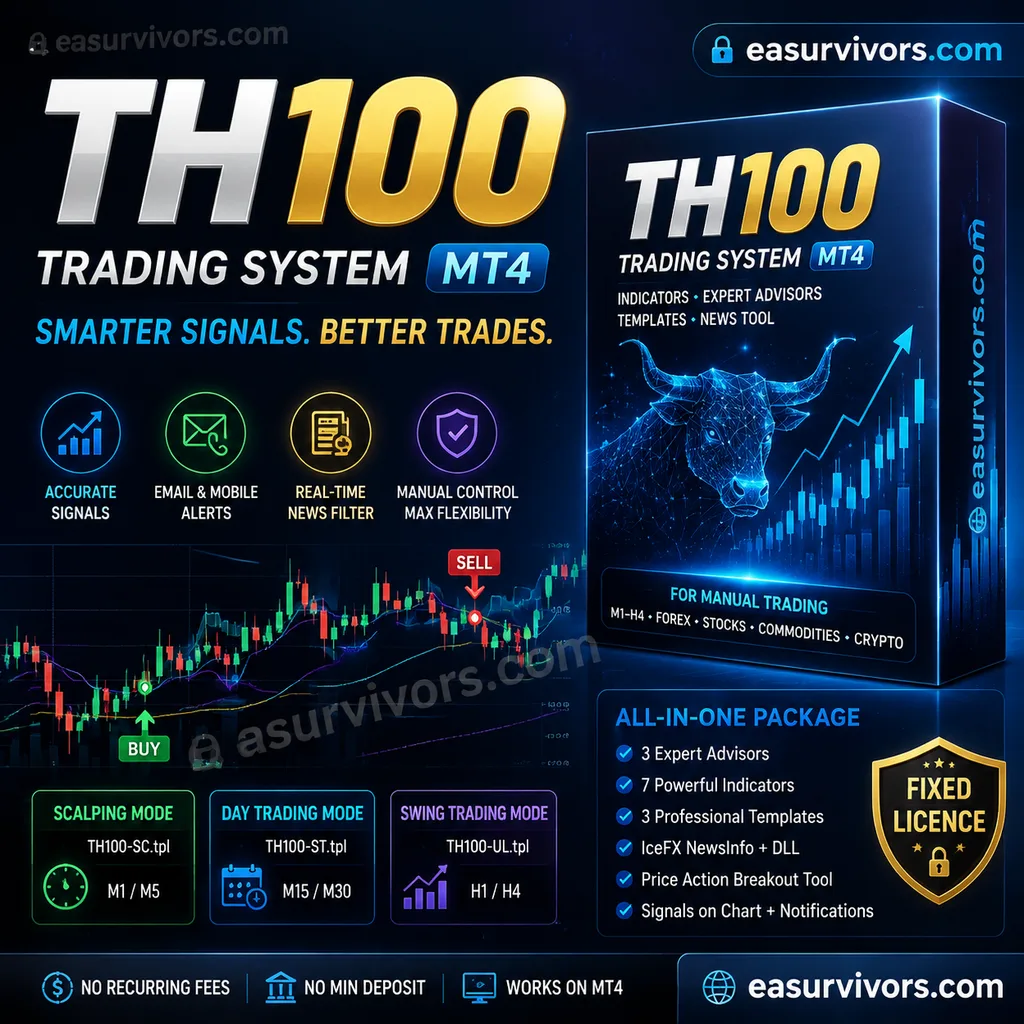
TH100 Trading System MT4 is an indicator package for MetaTrader 4. It includes three expert advisors, seven indicators, three templates, and a supporting DLL library. The product is designed for manual trading and covers timeframes from M1 to H4. Supported instruments are forex pairs, stocks, commodities, and cryptocurrencies. No minimum deposit or leverage restriction is specified.
The download is a fixed licence. Source code is not included. The system requires a Windows installation of MetaTrader 4 to load the included DLL file.
Trading approach
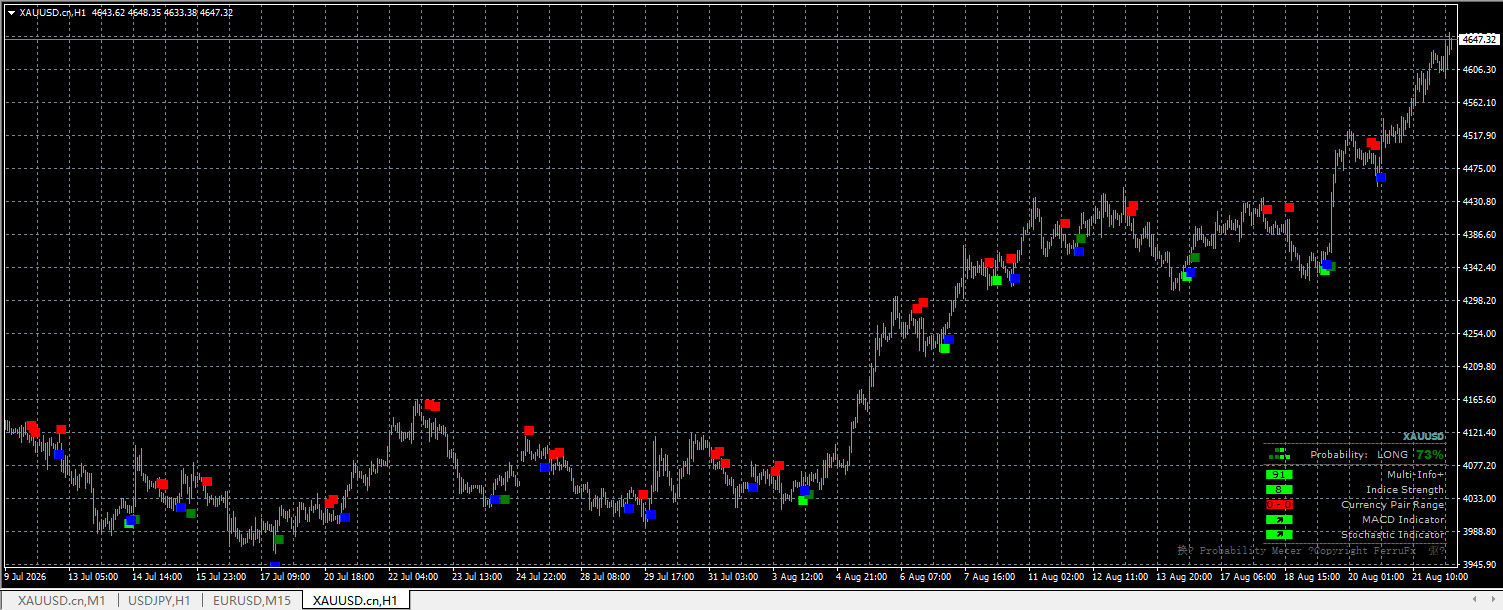
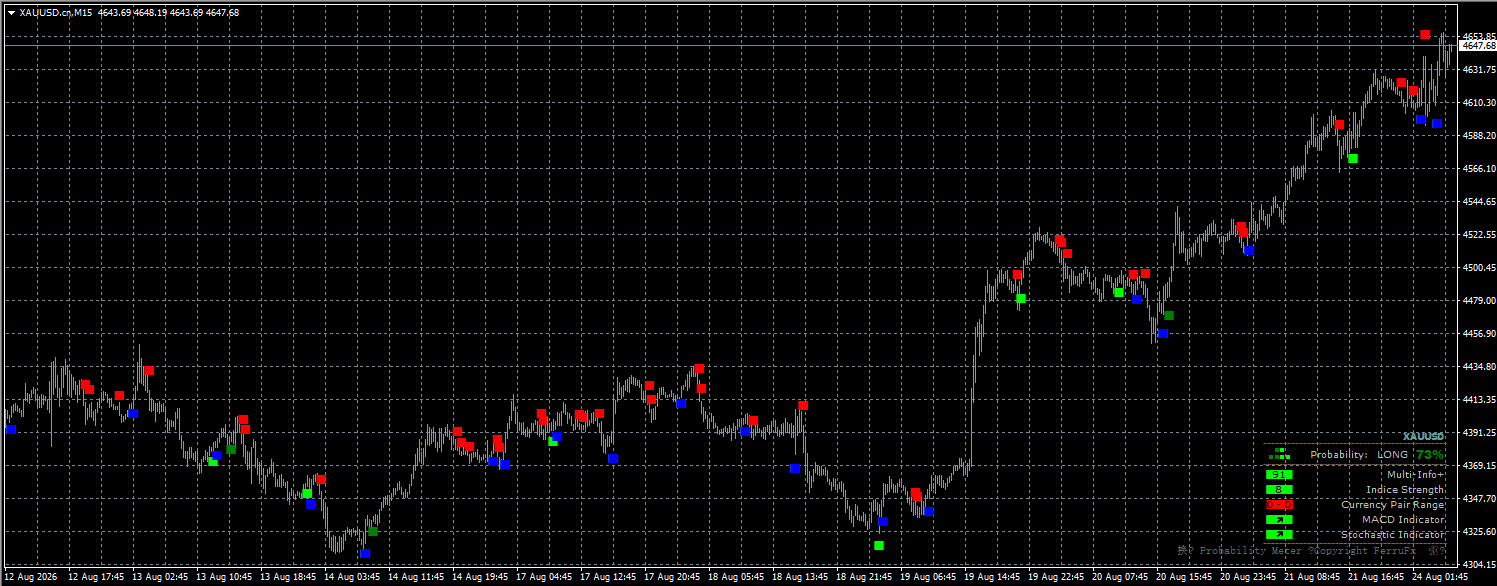
The core of the system is a confirmation formula that generates entry signals. Signals are displayed directly on the chart and can also be pushed to email or mobile notifications. The vendor states that this formula is intended to filter out low-quality setups.
Three operating modes are provided. Each mode is tied to a specific template:
- Scalping mode: TH100-SC.tpl for short-term trades on M1 or M5.
- Day trading mode: TH100-ST.tpl for intraday positions on M15 or M30.
- Swing trading mode: TH100-UL.tpl for H1 or H4 trades.
A separate price action breakout tool is included. This can be adjusted for more conservative or more aggressive entry points. The tool is intended to complement the main signals rather than replace them.
News integration
The package includes the IceFX NewsInfo indicator and its DLL. This tool connects to external news servers and plots upcoming economic events on the chart. Events are coded by impact: low, medium, or high. The indicator is designed to help traders avoid volatility spikes around major releases.
The news feed is real-time and works across all supported timeframes. It is a manual reference tool; it does not execute trades or automatically close positions.
Risk controls
No automated stop-loss or take-profit logic is described in the provided facts. The system is not advertised as a money-management tool. Risk control is left to the trader. The indicator provides entry and exit signals; order placement and protective stops must be set manually.
The breakout tool's adjustable sensitivity is the only exposure-related parameter mentioned. A more conservative setting may reduce the number of signals; a more aggressive setting may generate earlier entries but with wider stop requirements.
The lack of automated risk functions means the system is unsuitable for fully hands-off trading. A trader must always monitor open positions and manage exposure according to their own rules.
Setup notes
Installation is manual. The expert advisors, indicators, and templates must be placed in the corresponding MetaTrader 4 data folder. The DLL file must be allowed to run by enabling DLL imports in the platform settings. Without this, the news indicator will not function.
The three templates load the complete environment for each mode. Users can switch modes by loading a different template onto a chart.
The system is a fixed licence. It does not require an ongoing subscription. No broker restriction is stated in the available information.
Before you run it live
Test the package on a demo account first. The three modes behave differently across timeframes and instruments. A setup that works on EURUSD M5 may not translate to XAUUSD H1 or BTCUSD M30.
Pay close attention to the news indicator. High-impact events can cause rapid spread widening and slippage. The vendor's intent is that traders use this information to avoid entering trades just before such releases.
The vendor reports that the system displays win rates and trade statistics. Use these only on a forward-test basis. Past performance shown inside the indicator does not guarantee future results. Compare signals across at least two or three instruments before committing capital.
The system is not an automated trading robot. The expert advisors are helpers, not fully autonomous strategies. A trader must still decide lot size, stop placement, and whether to take a signal.