What the EA is built to do
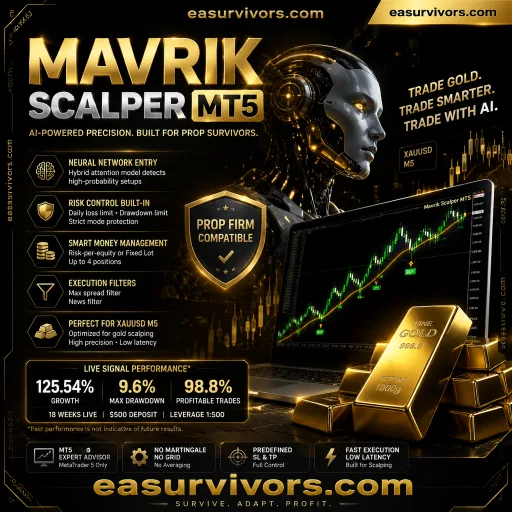
This MT5 expert advisor trades only XAUUSD and is built around a single-entry model. It does not use grid, martingale, hedging, or recovery orders. Each position carries a fixed stop loss and take profit, with no averaging into losing trades. The vendor states that the EA waits for conditions that match preset trading profiles before opening a position.
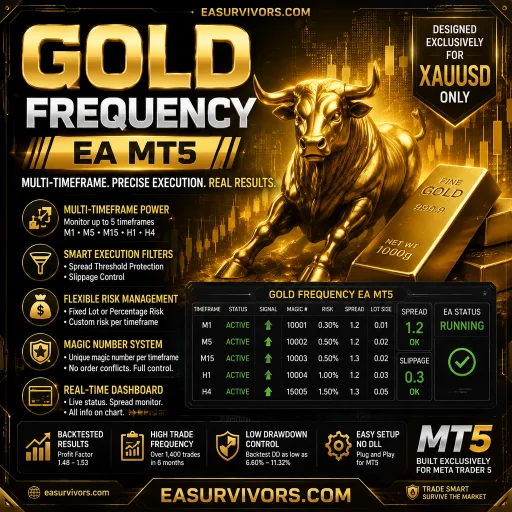
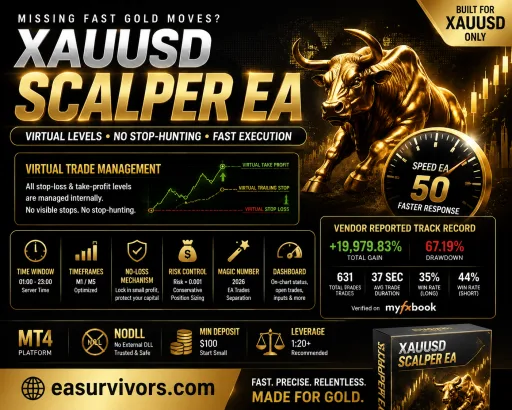
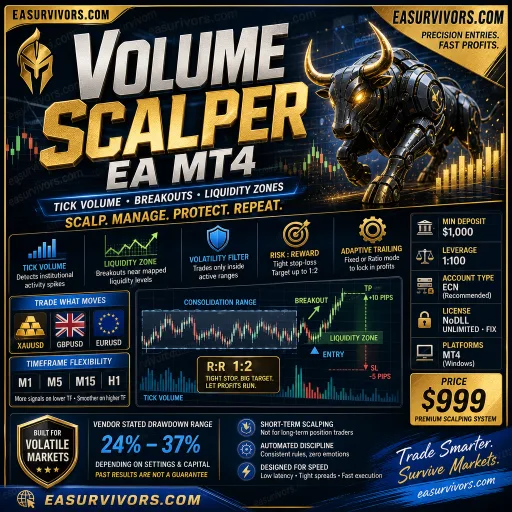
The software is available for MetaTrader 5 only. It can operate on M5, M15, M30, H1, and H4 charts. The minimum recommended deposit is $100, and it works on ECN or RAW accounts with leverage of 1:30 or higher. Source code is not included with the purchase.
Order management and position sizing
Risk parameters are adjustable by the user. The EA supports fixed lot or risk percentage modes. Stop loss, take profit, and trailing stop settings are configurable. According to the vendor, active trades can be managed with trailing stops and custom take profit levels.
Daily drawdown monitoring, profit targets, and loss limits are built in. The EA includes a Friday protection function and options for trading session scheduling. Spread protection and optional news filtering can be switched on. These controls are meant to reduce exposure during periods that the trader specifies.
Risk controls that are claimable from the facts
- No grid or martingale logic is implemented
- One trade per signal, with no recovery orders
- Fixed stop loss and take profit on every position
- User-defined daily drawdown limit
- Friday protection to close or prevent trades before the weekend
- Session filters and spread filters that can pause trading
- Prop-firm style safeguards such as profit target and loss limit settings
The description does not specify the exact stop loss or take profit values, nor does it state the internal logic used for entries. Buyers should test all parameters on a demo account before considering live use.
Installation and initial configuration
The EA is attached to a XAUUSD chart on MT5. Users select a trading profile, configure lot sizing or risk percentage, and adjust the protective settings. No source code is provided, so changes are limited to the exposed input parameters.
Because multiple timeframes are supported, a single installation does not automatically mean every timeframe is used at once. The trader chooses the chart timeframe that matches the desired profile. The vendor states that the EA scans for setups automatically once attached, but the specific entry conditions are not disclosed in the documentation available.
What to verify before running it live
Start on a demo account on the M5 or M15 timeframe with a small risk percentage. Check how the EA handles spread widening, news events, and the Friday close. If a prop firm is involved, compare the built-in drawdown limits with the account rules. A phase where the EA does not trade is possible if session filters or spread filters are active.
Historical or live performance numbers from the vendor are not independently verified. The stated results come from two disclosed signal accounts, but past performance is not a guarantee of future results. The $100 minimum deposit is the vendor's stated entry point; whether it is sufficient depends on the chosen lot size and risk settings.