Trading Mechanics for XAUUSD
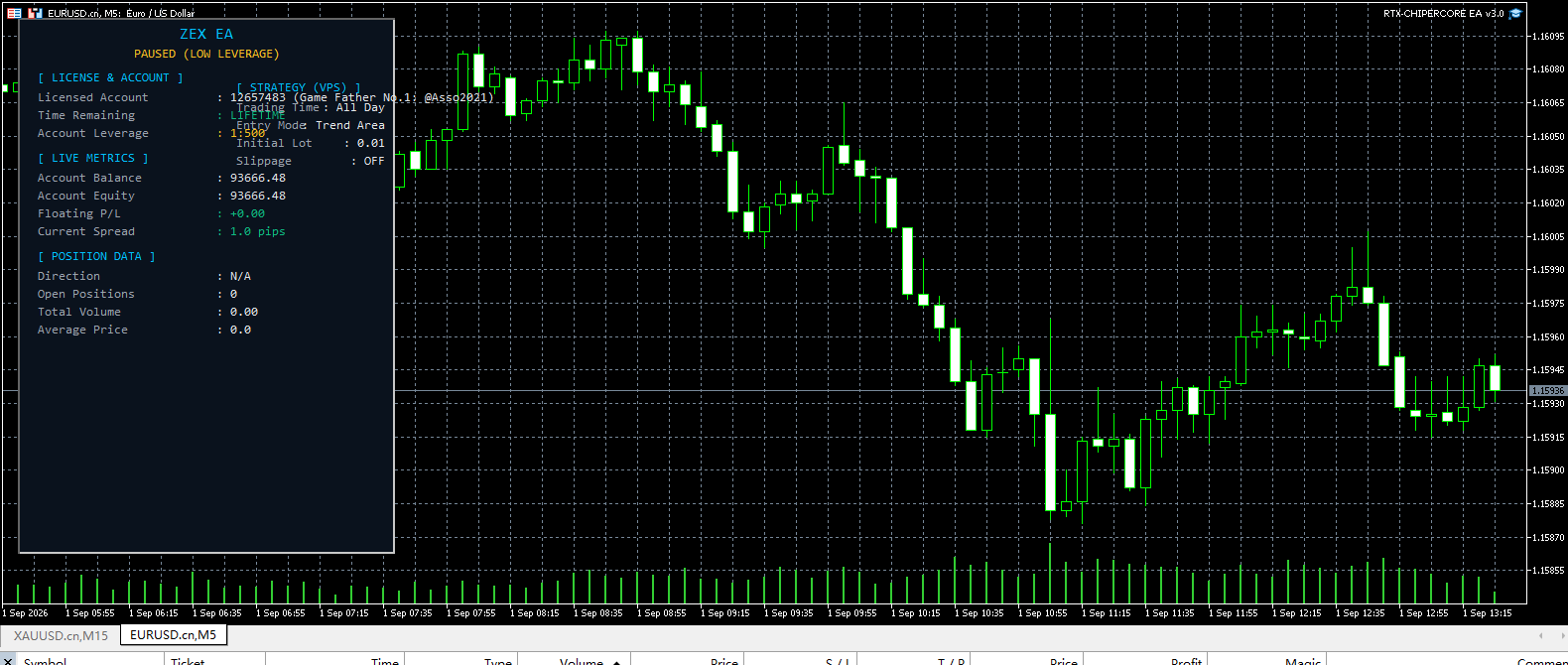
Built for MetaTrader 5, RTX CHIPERCORE EA focuses exclusively on spot gold (XAUUSD). The strategy begins with a 200-period exponential moving average to define the broader trend direction. When enabled, RSI confirmation adds a secondary filter using configurable overbought and oversold levels. Instead of taking every signal, the EA looks for entry zones through its Trend Area logic, which aims to place trades only in areas where momentum and structure align.
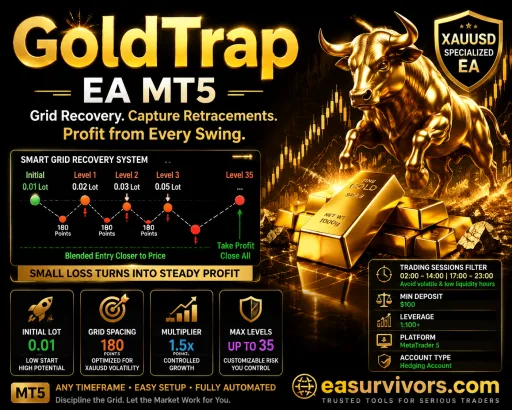
Once a position is open, the EA can add to it in two different ways. Pyramiding adds new positions when price moves 30 pips in favour of the trade, without increasing the lot multiplier. If price moves against the position, a Martingale recovery system may open additional trades every 35 pips using adjustable lot multipliers. Both distances are fixed defaults and can be changed in the settings.
Managing Positions as a Basket
Rather than treating each order separately, RTX CHIPERCORE EA supports basket-level management. A group break-even function moves the combined stop for all open positions once a pre-set profit threshold is reached. A group trailing stop then follows price as the basket moves further into profit. There is also a basket profit-locking mechanism that can close all positions when a target is hit.
This approach is different from independent trade management. It means a single losing position can be offset by other winning positions in the same basket, and the EA aims to exit the whole group at once. Traders who prefer to manage risk per order should consider whether basket-level logic fits their style.
Risk and Market Filters
Several filters are built in to limit exposure. A spread filter blocks new entries when the spread exceeds a user-defined limit. A leverage verification check only allows trading if the account leverage meets a minimum threshold. A trading session filter restricts entries to chosen server-time hours. An account-level Cut Loss protection can close all positions if total loss reaches a set level. These tools are configurable and need to be matched to the broker and account type.
Settings and Set Files
The package includes set files for the Unlimited version. These files store different parameter combinations, so the trader does not have to start from scratch. Each set file reflects a specific risk profile or market condition. It is important to load the correct set file for the account size and broker server time. The EA itself does not auto-select a set file.
Key inputs include initial lot size, pyramiding distance, Martingale distance and multiplier, maximum recovery levels, break-even threshold, trailing stop settings, and the session filter. Because Martingale is involved, these inputs directly change the risk profile. Lower recovery multipliers and fewer recovery levels reduce the chance of a large drawdown, but also reduce the chance of recovery.
What RTX CHIPERCORE EA Cannot Do
The product is not a mult-currency system. It trades only XAUUSD, so traders looking for equity indices or forex pairs will need a different tool. The source code is not included, so customising the logic beyond the exposed settings is not possible. The strategy relies on Martingale recovery, which can produce long sequences of expanding positions. Accounts with low leverage or small balances may quickly hit margin limits during strong trends.
Anyone who does not want to trade with Martingale should skip this EA. New users should run it on a demo account first and observe how the recovery settings behave in volatile gold conditions. The vendor reports one backtest showing a $1,000 deposit growing to $6,170.43, but past performance does not reflect future results, and the Martingale component makes outcomes highly sensitive to starting parameters.