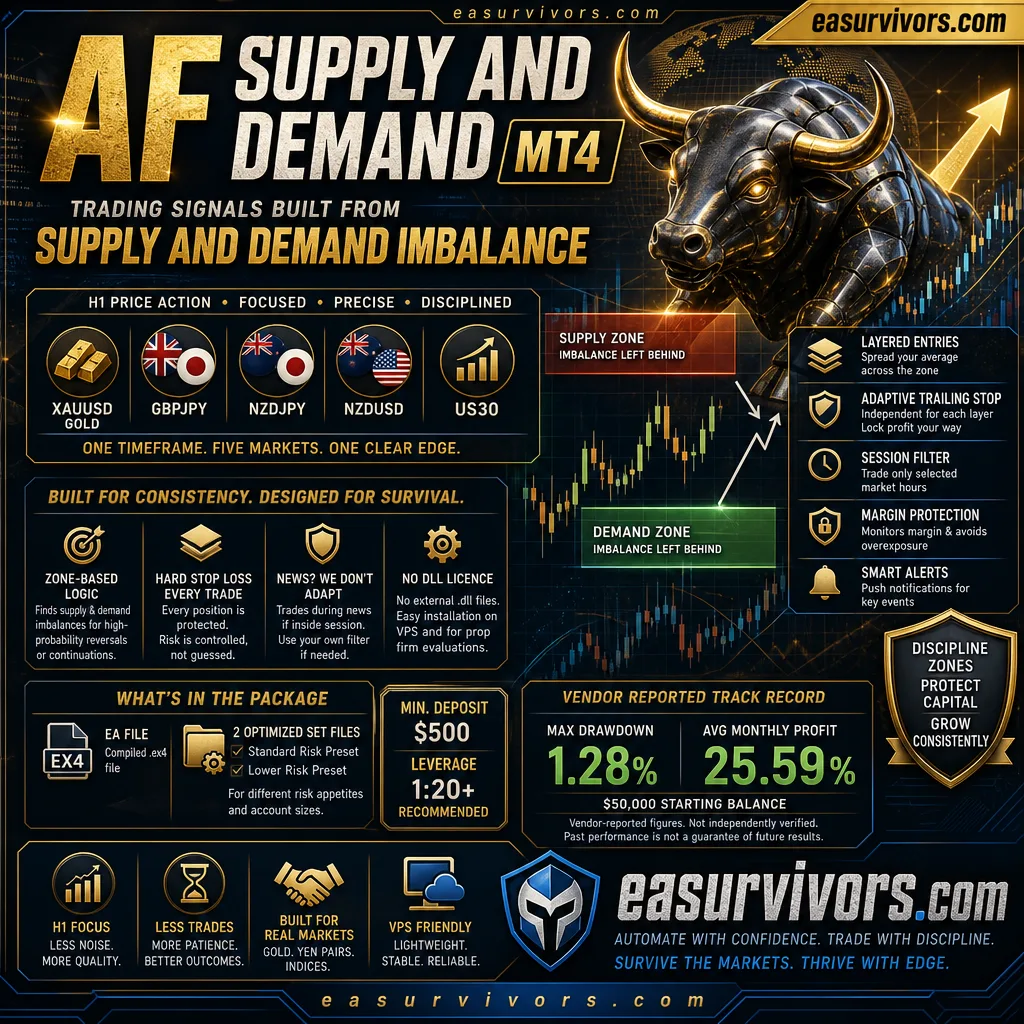
Trading signals built from supply and demand imbalance
The advisor runs on MetaTrader 4 only and focuses on H1 price action across XAUUSD (gold), GBPJPY, NZDJPY, NZDUSD and US30. Instead of chasing breakouts or oscillators, it looks for areas where price previously left an imbalance between supply and demand. Once confirmed, trades are entered in the direction of the intended reversal or continuation. The EA does not trade other timeframes or pairs — a deliberate restriction that keeps the logic within a single session rhythm.
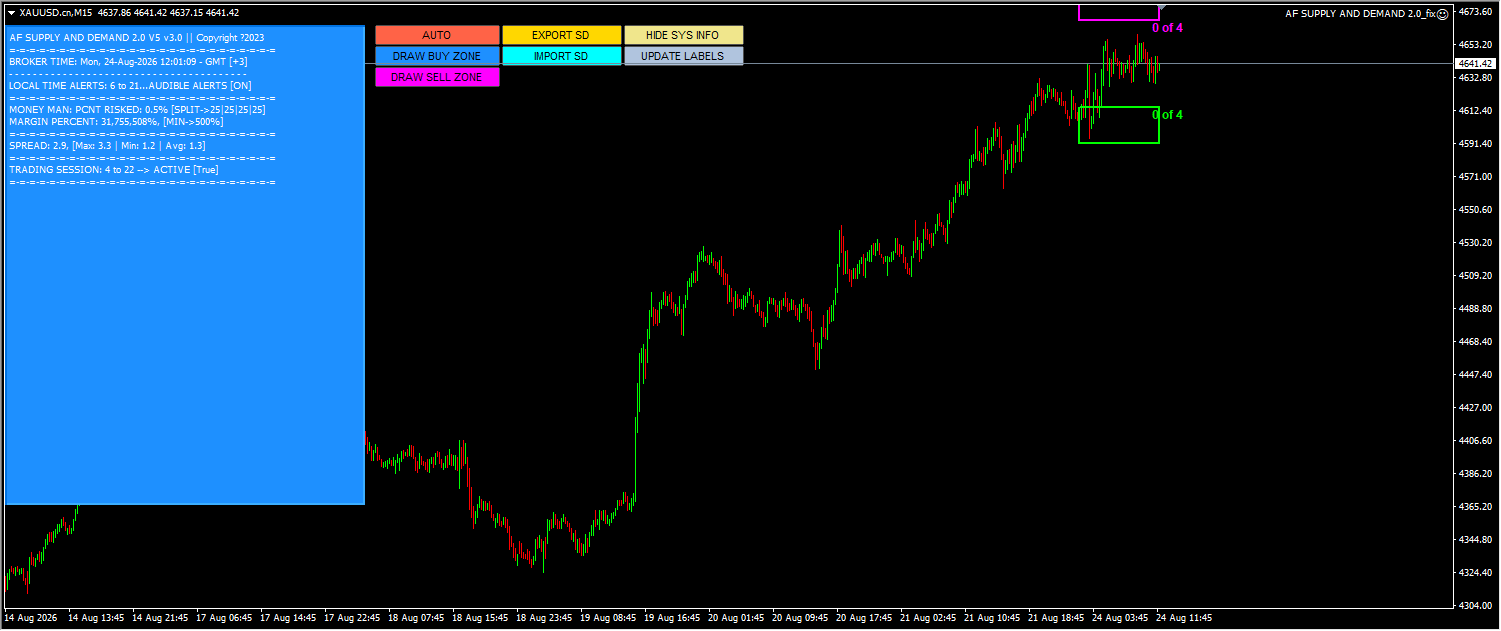
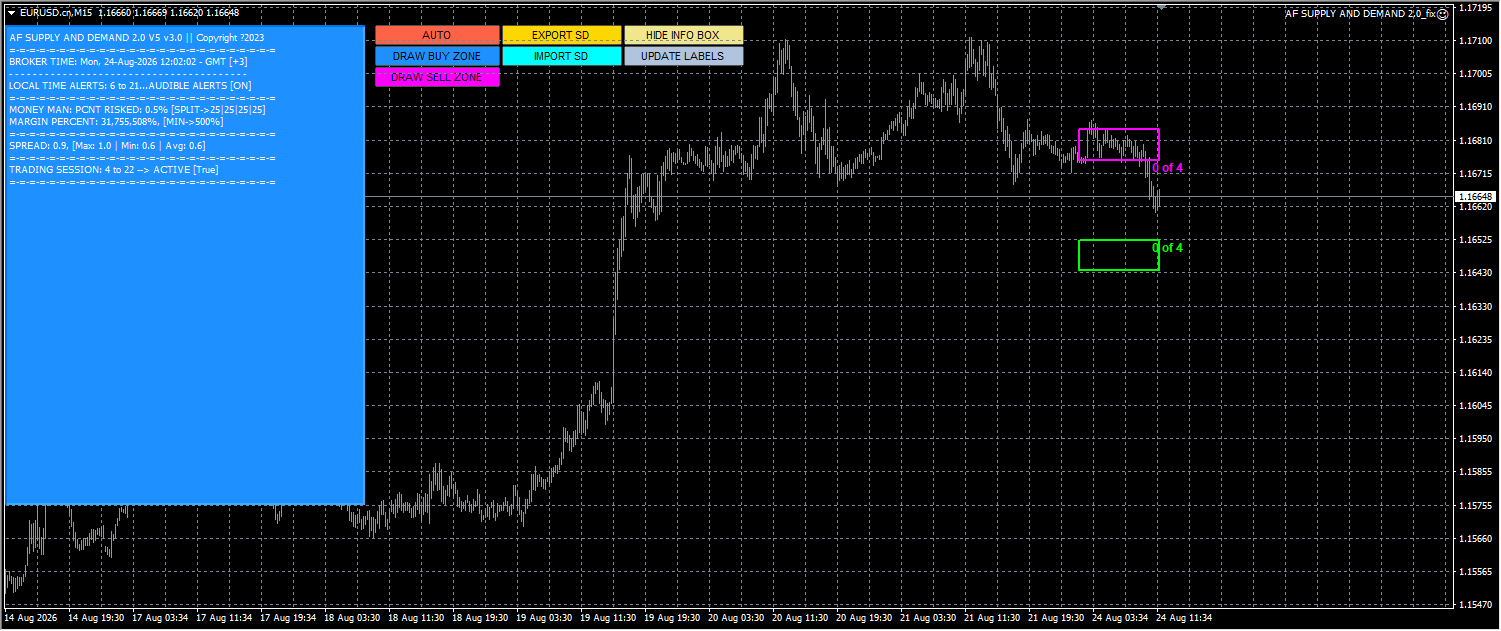
What makes this approach different from simple support and resistance is how entries are placed. The advisor allows for layered positions, meaning the first entry can be followed by additional trades with independently configurable stop-loss and take-profit values. This spreads the average fill across a zone rather than relying on one precise price. A session filter confines trading to selected market hours, which is one of the more practical tools for avoiding low-liquidity periods on gold or yen pairs.
How exits and position management work
Every open position is protected by a hard stop-loss. The trailing stop is not just a fixed-point mechanism — it adapts to the trade and can be set separately for each layer. That matters when several entries are active at once, because a single trailing level for all trades would not match the different average prices. Traders can choose how aggressively profit is locked in, with tighter trails for later entries if desired.
Margin protection is part of the core logic. The EA monitors account margin and can refuse new entries or reduce exposure when the buffer becomes thin. This is not a guarantee against loss, but it prevents a sequence of layers from silently overleveraging the account. Alerts are embedded, with push notifications available for key status changes.
NoDLL licence and what that means
The advisor uses a NoDLL licence, so no external .dll files are required. This can simplify installation on VPS setups or when getting the EA approved for prop firm evaluation — only the compiled .ex4 file is needed. Source code is not included, so users cannot modify the underlying logic or inspect every internal calculation. Configuration is done through the input settings and the supplied set files.
What comes in the package
The download contains the EA itself as a compiled .ex4 file and two set files for different risk appetites. The first is a standard-risk preset, and the second is a lower-risk variant aimed at smaller accounts or conservative capital protection. Depending on the broker's account type and the trader's preference, either can be loaded and then fine-tuned. A minimum deposit of $500 is stated by the vendor, with leverage of 1:20 or higher recommended for the gold and US30 exposure.
The set files are not plug-and-play for every broker. Spreads, swap rates and server time all influence how the zones are calculated. Some users may need to adjust the session filter to match their broker's GMT offset or alter the lot size to fit the lower-risk preset on a $500 account. The advisor can function with the default inputs, but the best results tend to come after a short observation period on a demo account with the actual broker conditions.
What this EA will not do
The system does not adapt to news events. It will open trades during high-impact releases if those times fall within the configured session window. Users who prefer a total news filter will either disable trading for those hours or accept the risk. On lower leverage accounts, especially below 1:20, the layering logic may hit margin limits faster, so the $500 minimum deposit assumes the recommended leverage level.
The developer claims a positive long-term MyFxBook track record, with a reported maximum drawdown of 1.28% and an average monthly profit of 25.59% on a $50,000 starting balance. These are vendor-reported figures, not independently confirmed results, and they reflect a specific set file, broker and period. Traders should test on their own account with the low-risk preset before increasing size.
Day traders who want intra-session scalping or multiple timeframes will find this tool too rigid. The H1 focus and zone-based entries mean trades are less frequent, sometimes no signal for an entire day or more. Patience is required, and the session filter can further reduce activity. Those who want interaction with every setup will likely find the automation too passive, despite the layered entry mechanics.