Product Profile
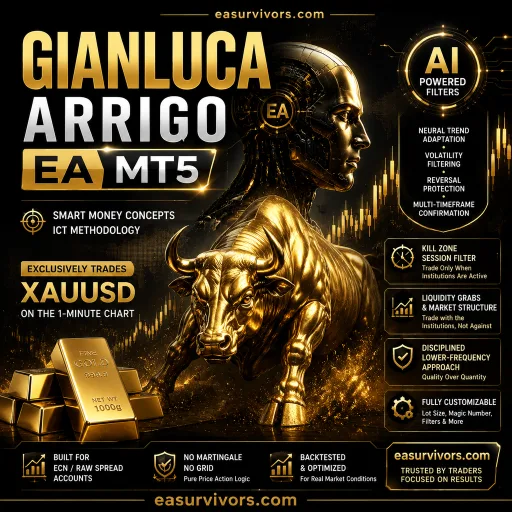
This Expert Advisor is built for MetaTrader 5 and is restricted to the XAUUSD pair on the M15 timeframe. The vendor positions it as a precision-oriented tool that avoids grid expansions and hidden recovery logic. Each position is planned before entry, with a fixed stop loss, a fixed take profit, and a pre-determined lot size.
The system integrates several execution filters. It checks the maximum spread, slippage, trading day, holiday calendar, and NFP schedule before allowing a new order. These filters are intended to keep the EA out of poor market conditions and reduce exposure during high-impact news periods.
Trading Logic and Volatility Adaptation
The core of the strategy revolves around ATR-based stop loss calculation. Instead of a static distance, the protective stop adjusts to current volatility, which means the stop distance widens when gold moves aggressively and tightens in calmer conditions. Take profit levels are predefined, not dynamic.
The EA monitors structural behavior, momentum alignment, and price compression before entering a trade. According to the developer, it does not chase frequency; trading activity is intentionally low. The focus is on setups that pass several validation stages.
Position Sizing and Risk Parameters
- Auto lot calculation: Volume is derived from the selected risk profile and account equity. The vendor describes it as suitable for both new and experienced users.
- Fixed risk before entry: All orders open with a stop loss and take profit already assigned. No additional recovery mechanism is applied after execution.
- Spread protection: If the current spread exceeds a configured threshold, the EA will not enter a trade.
- Event filtering: The system can pause trading on NFP days and during holidays.
The developer states that maximum drawdown in a cited live signal was 7.4%, but this figure is attributed to the vendor and should not be treated as a guarantee.
Setup Requirements
The product is delivered as an EA for MetaTrader 5. The unlimited version includes set files, according to the product name, although the technical installation steps are standard for MT5 Expert Advisors: copy the .ex5 file into the MQL5/Experts folder, attach it to an XAUUSD M15 chart, and enable automated trading.
Source code is not included. Traders who need to modify the logic or inspect the internals will not be able to do so with this package.
Practical Considerations Before Live Deployment
Because the EA only trades gold on M15, it requires a broker with competitive spreads on XAUUSD and reliable execution during volatile Asian and London sessions. The built-in spread filter can prevent entries if the broker's typical spread is wide, so testing on a demo account with the intended broker is advisable.
The vendor mentions that the EA is suitable for prop firm accounts due to its controlled risk approach and absence of grid or martingale components. However, prop firms often have specific rules on stop loss distance, news trading, and holding periods, so users should verify that the EA's parameters can be adjusted to meet those constraints.
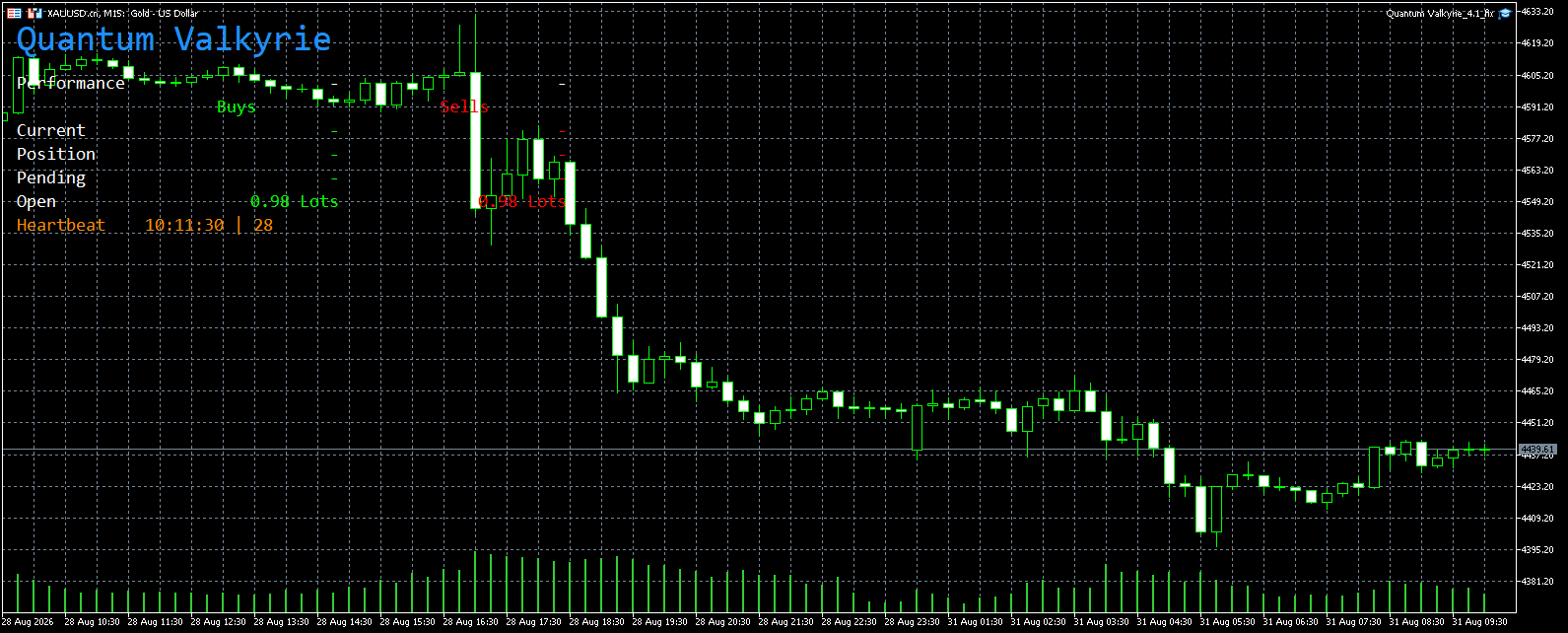
The trading panel displays live information on the chart, which is useful for monitoring current spreads, recent trades, and the status of filters without opening the terminal's trade tab.